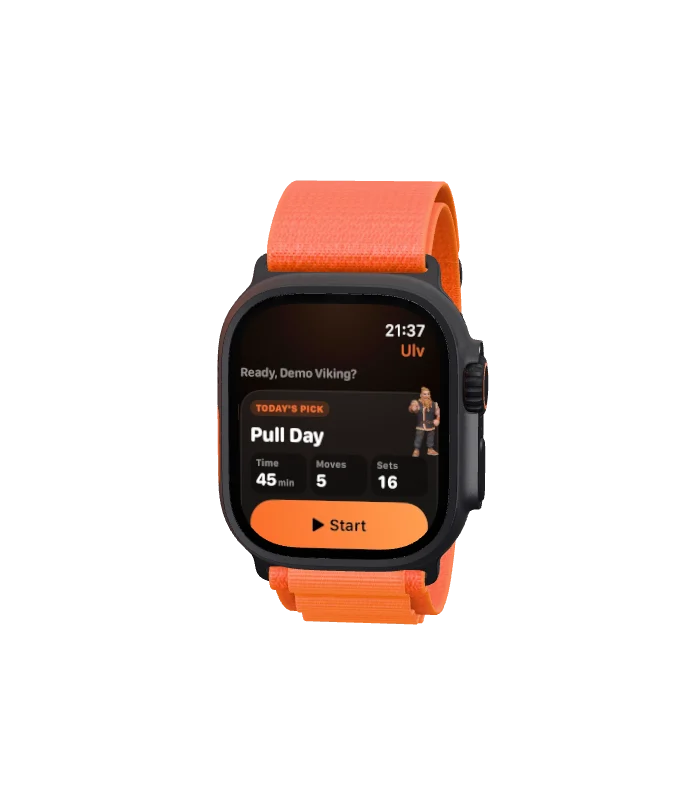



01 · Today
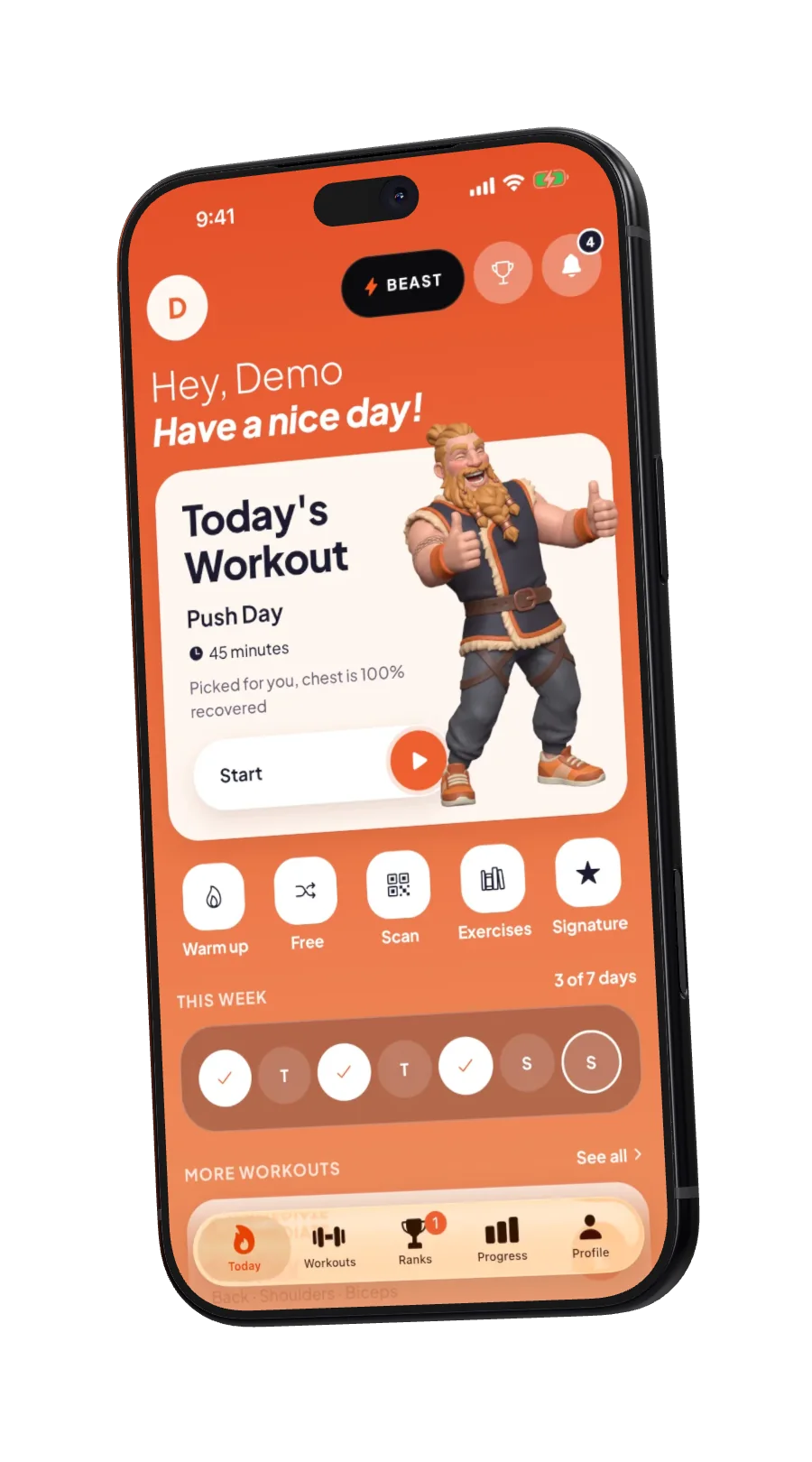
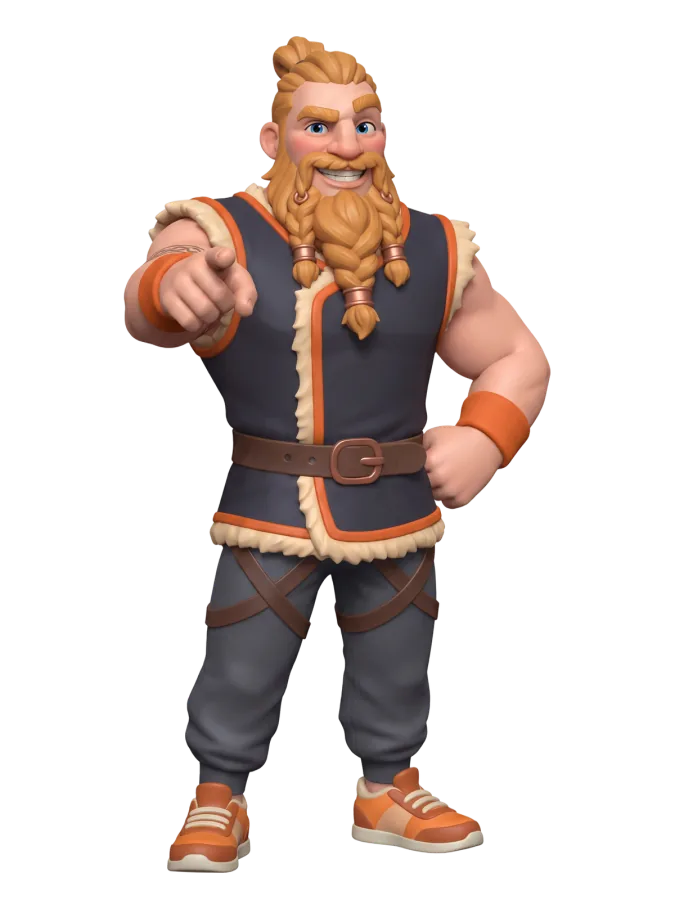
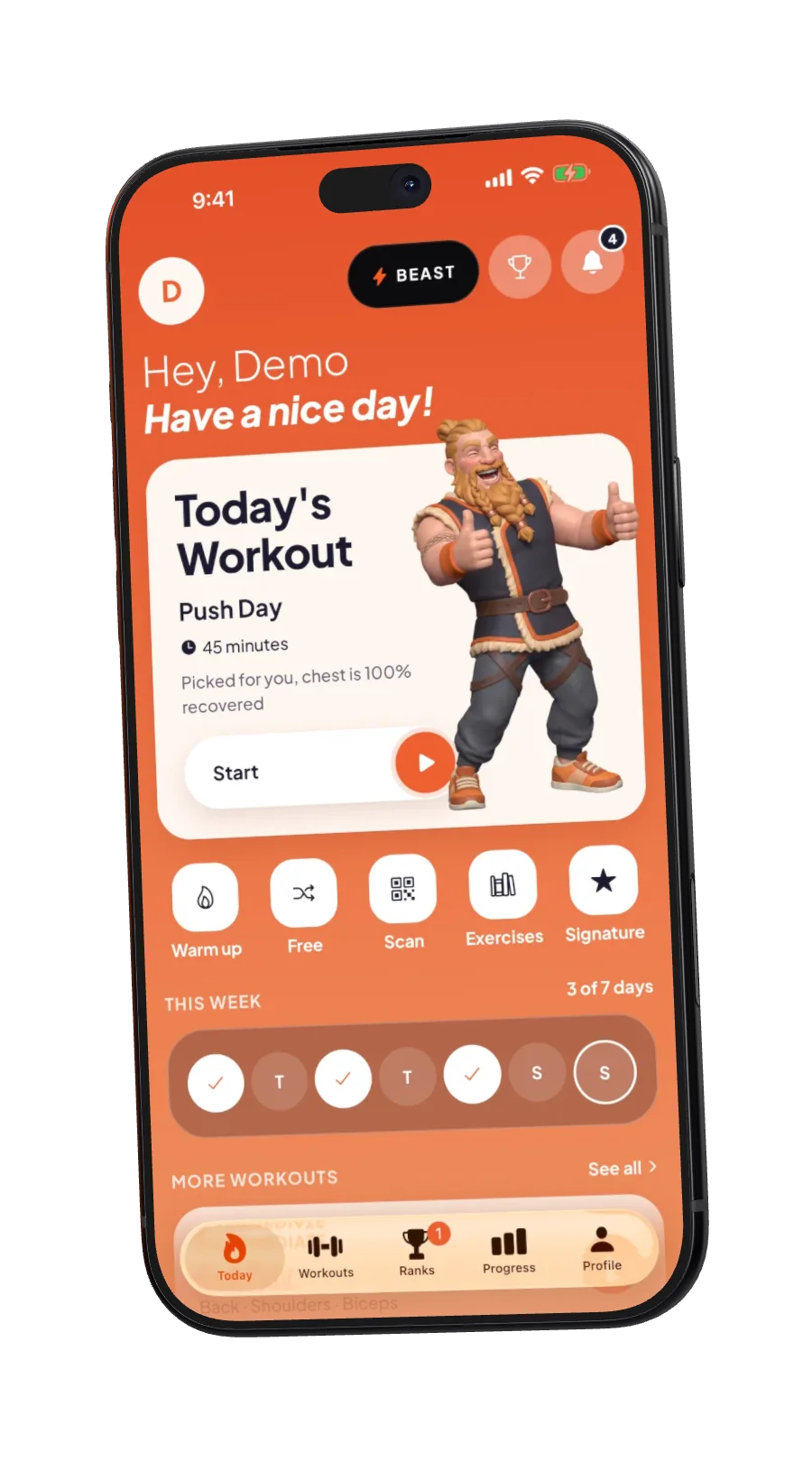
Bjørn picks today's workout.
He looks at what you trained, what's rested and how recovered you are, then hands you one workout. Tap Start. That's the planning done.
Gym workout tracker · Viking coach · Apple Watch
Log every set in seconds. Let Bjørn plan the rest. Then race your friends to the top of the board.
Free. No ads. No tracking.
01 · Today
He looks at what you trained, what's rested and how recovered you are, then hands you one workout. Tap Start. That's the planning done.
02 · Lift
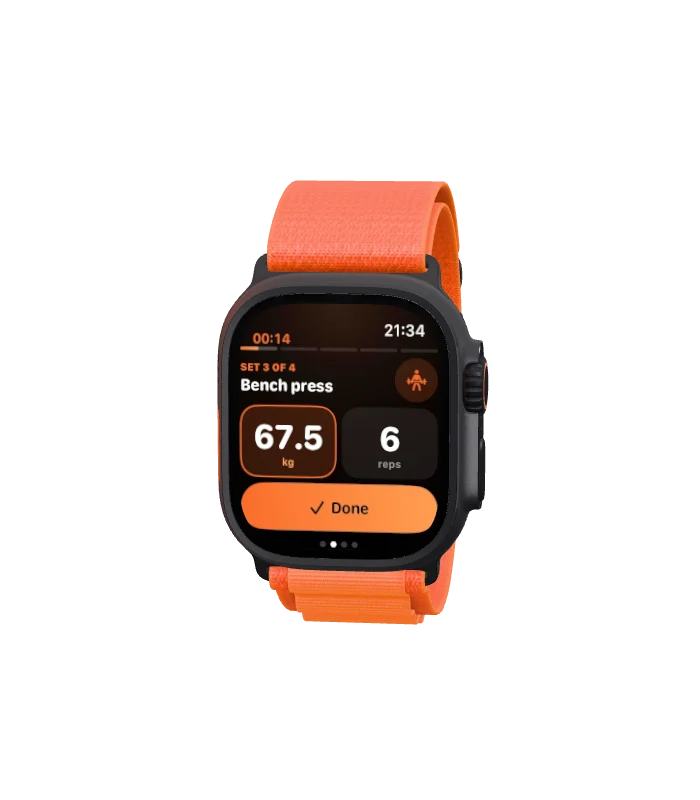
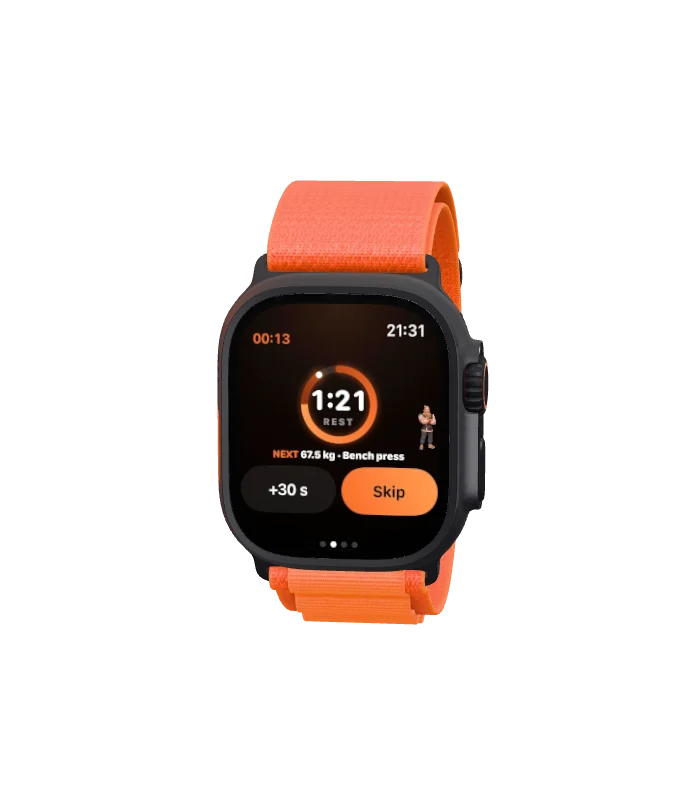
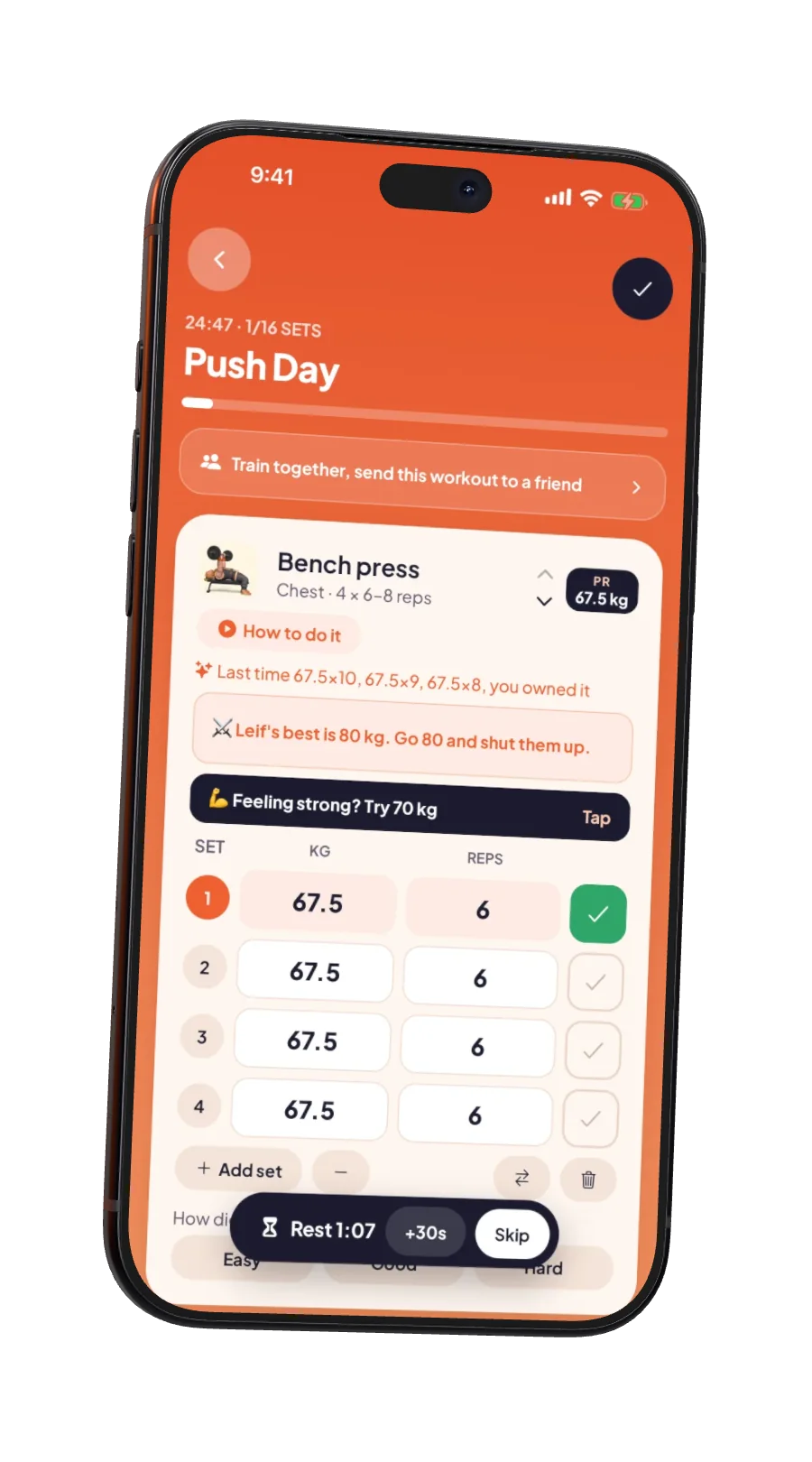
Every set starts from what you lifted last time. Lift, tap Done, rest. Change one set or all of them at once, and Bjørn tells you when it's time to go heavier.
Ready for the fold
Black, graphite and hot orange, for dark gyms and late sessions. One tap on the Beast pill, top of Today.
03 · Finish
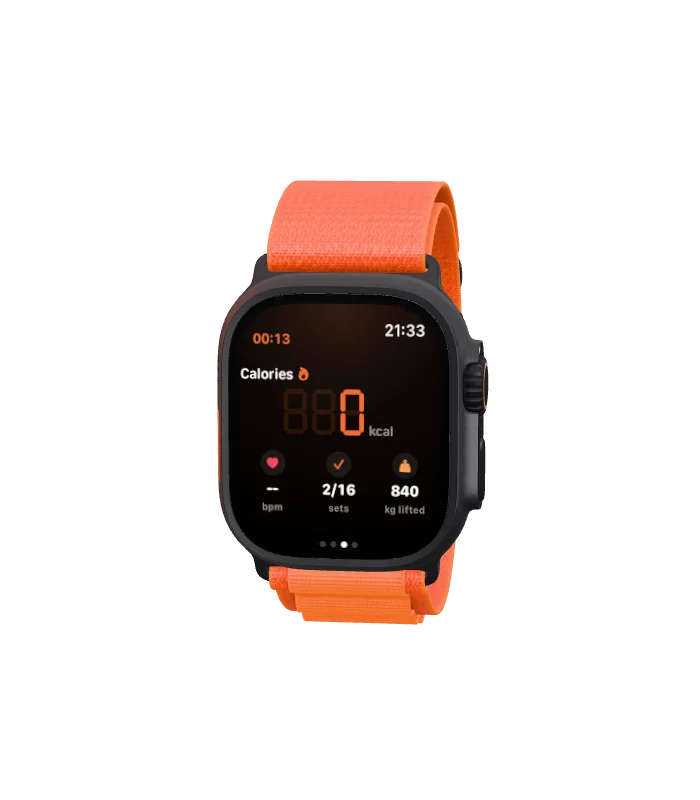
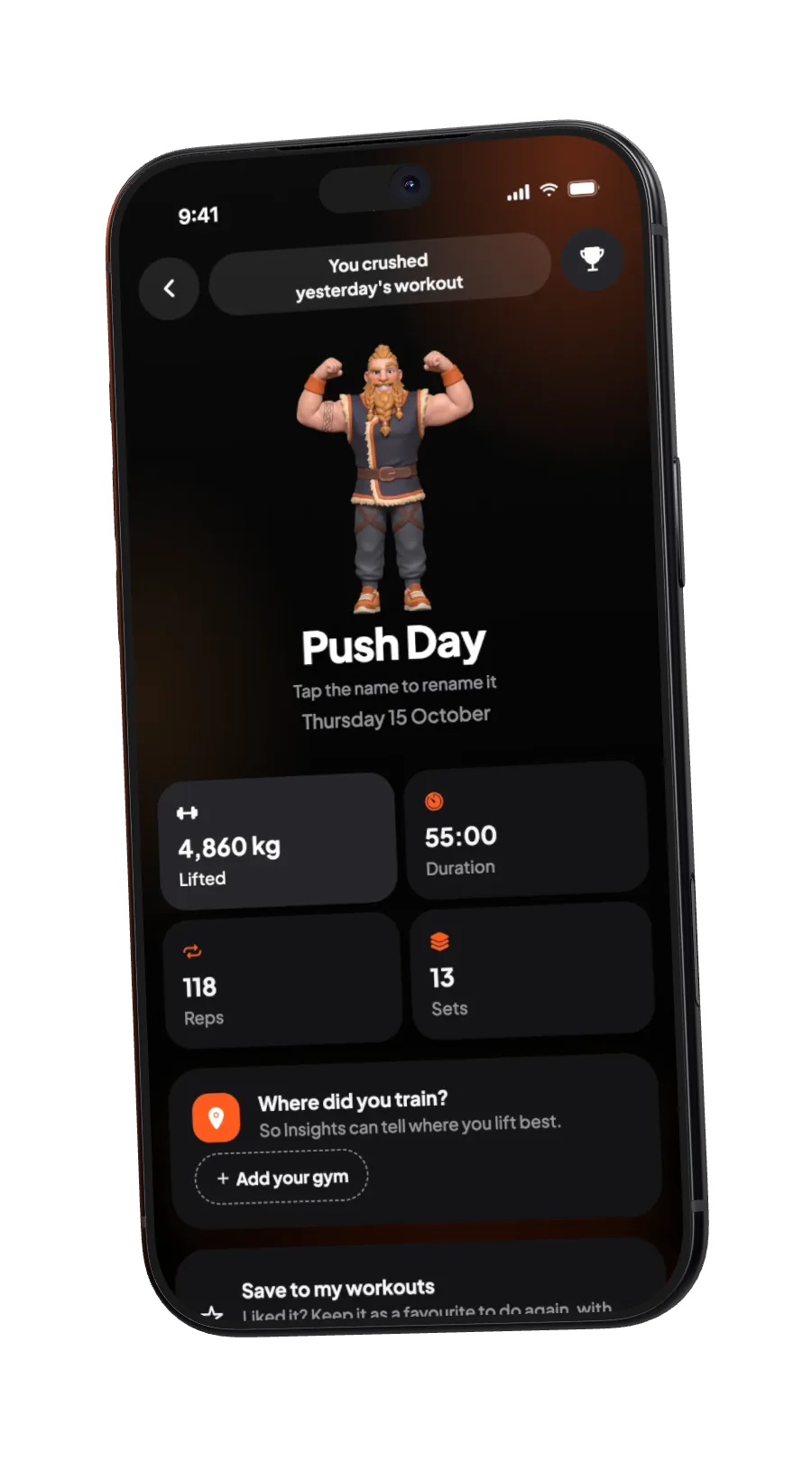
Slide to finish and see what you moved: kilos, reps, sets, time and every personal best. Stamp it on a photo and post it. Pics or it didn't happen.
04 · Compete
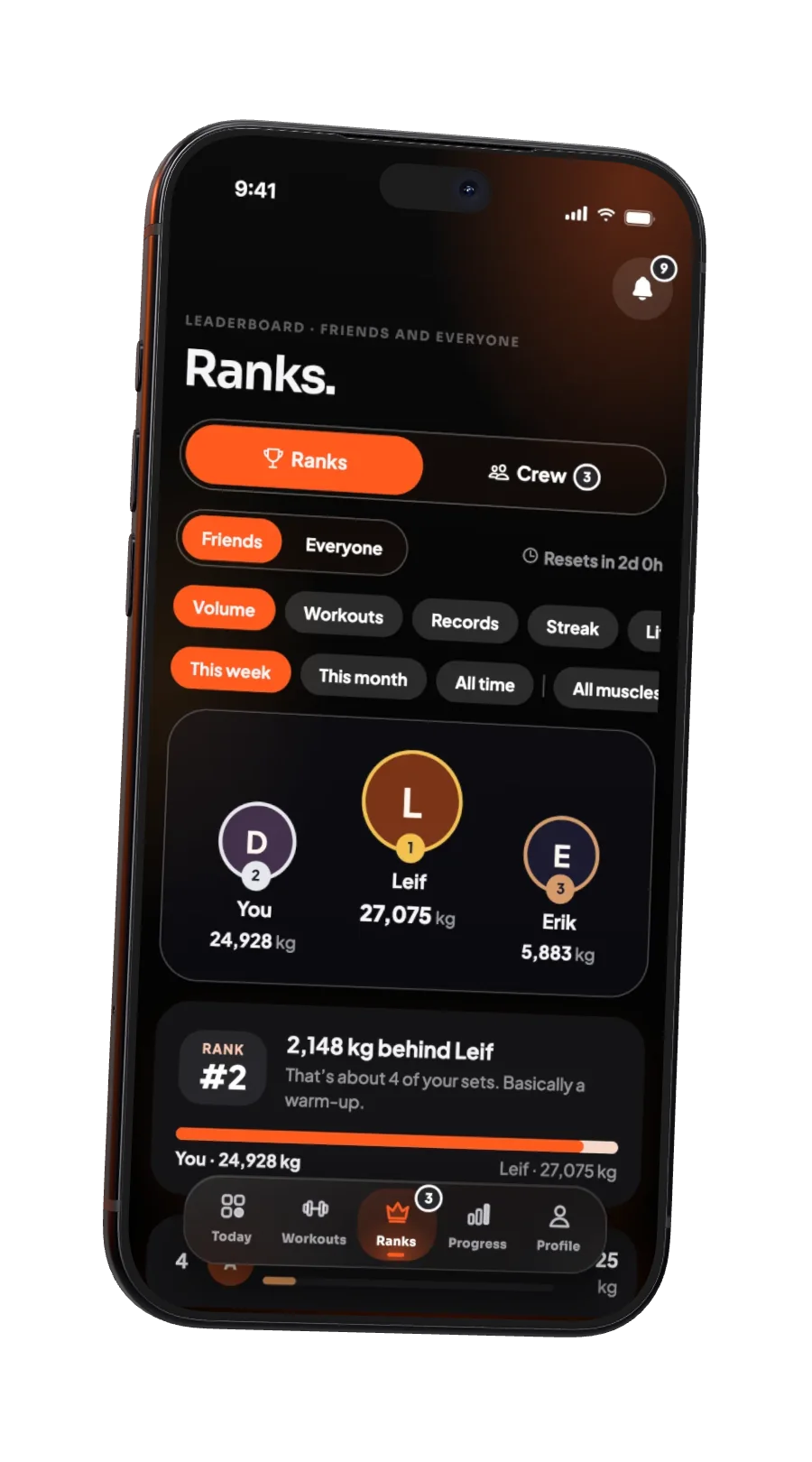
Weekly boards for your friends and for everyone: volume, workouts, records, streaks, even single lifts. You'll always know exactly how far behind Leif you are.
05 · Grow
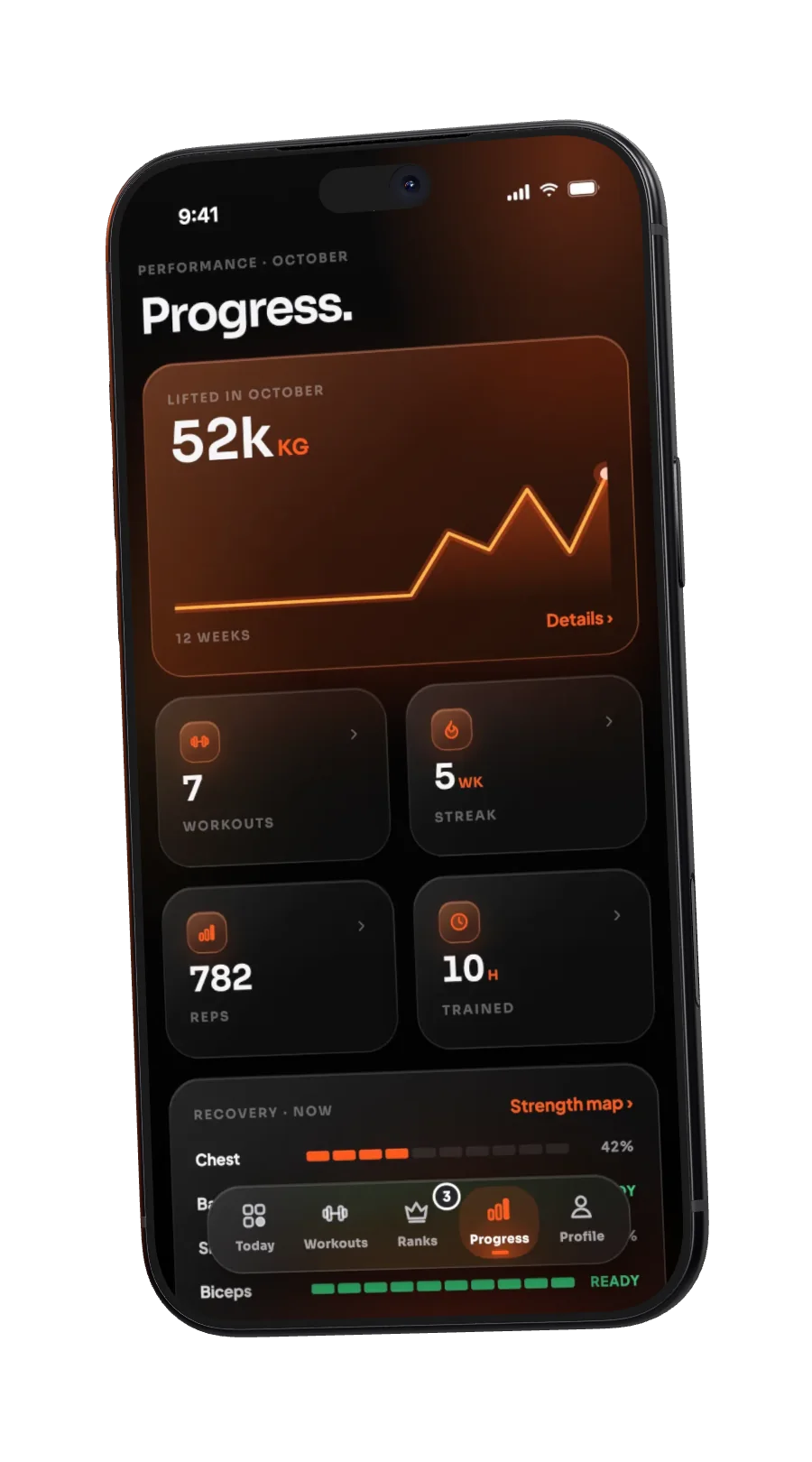
Week by week, muscle by muscle, lift by lift. Progress photos only you can see, with then and now side by side.
Apple Watch
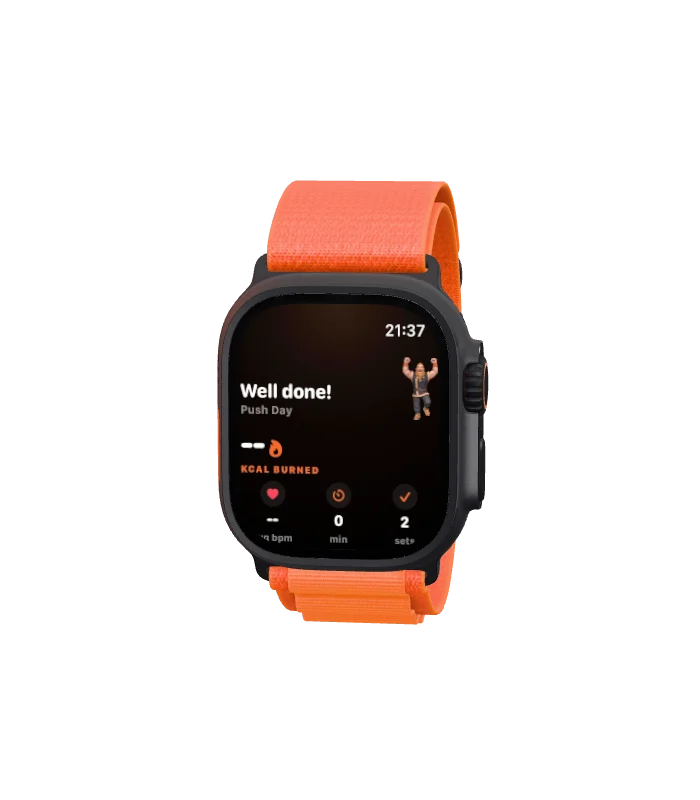
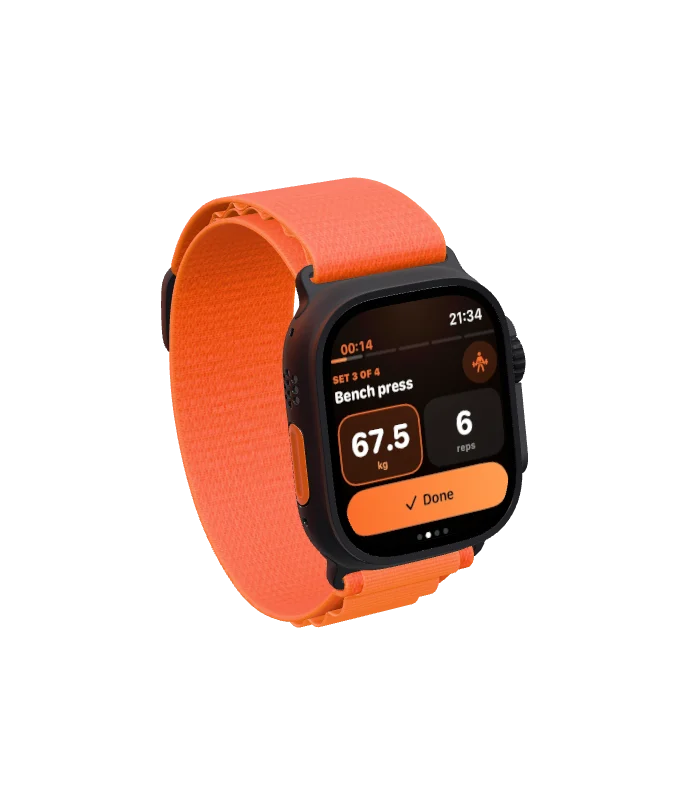
Start on the watch or the phone and they follow each other. Log sets with big buttons and the Digital Crown, feel the tap when rest is over, and skip ahead on either one.
The pack
Ulv is better with friends. Train side by side, pick a rival, and let a little peer pressure do its thing.
Send your workout to a friend and you both get the exact same plan. See each other's sets and kilos as you go, and if they swap an exercise, Ulv asks whether you want to follow.
Pick one friend. Ulv shows their best on every lift you share, right where you log it.
"Leif did 100 kg. You gonna let that slide?"
Cheer a friend's workout with an axe, or tell them what you think of their leg day.
First Blood, Shieldwall, Jarl, Valhalla Bound, Mjölnir, Odin's Own and more. Four workouts in a week earns a shake. Five earns a pizza. Bjørn's orders.
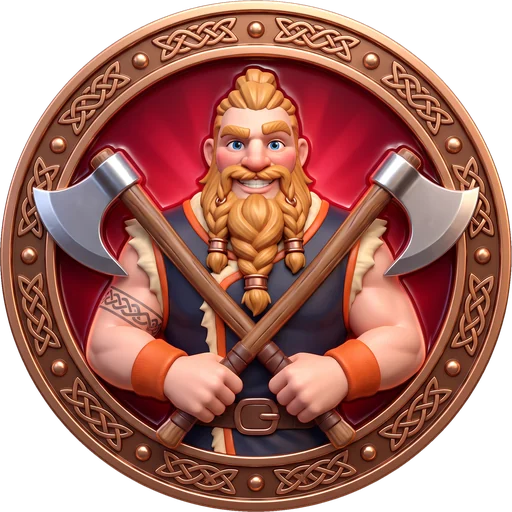
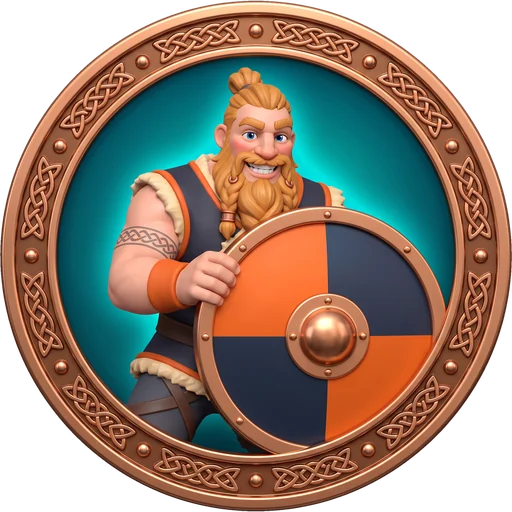
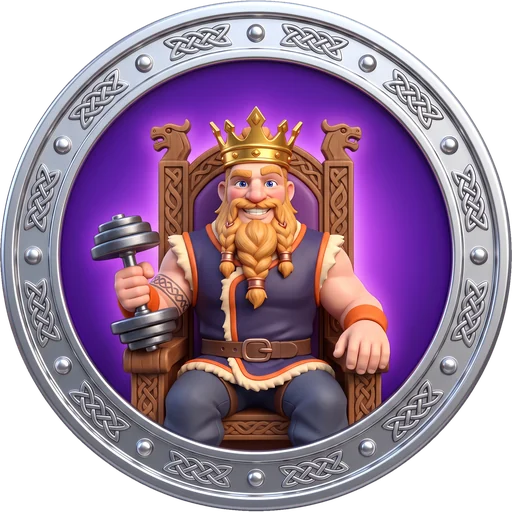

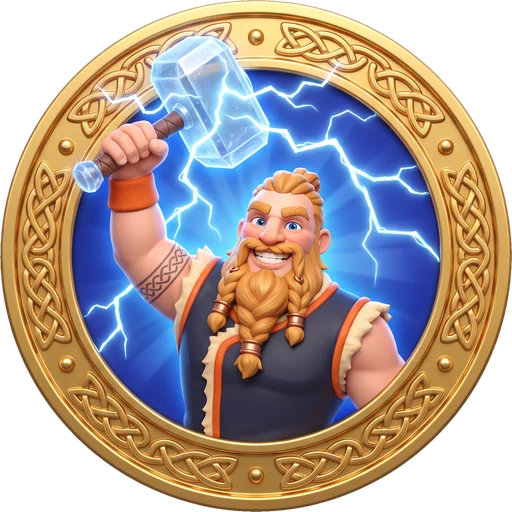
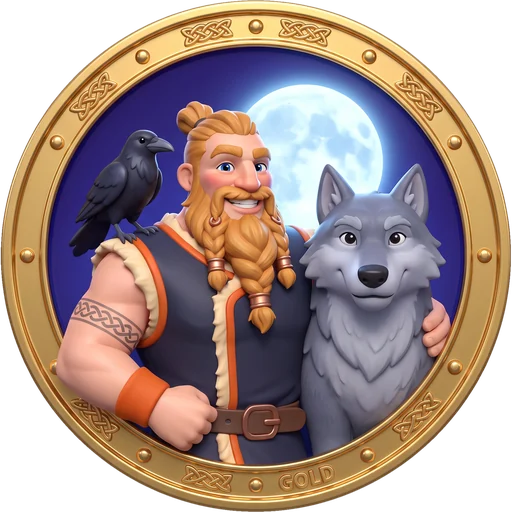
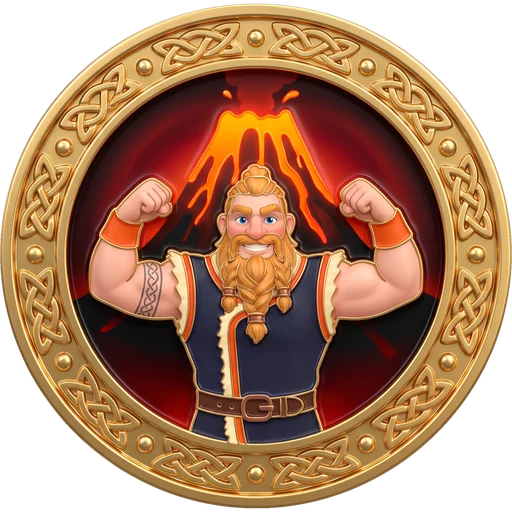
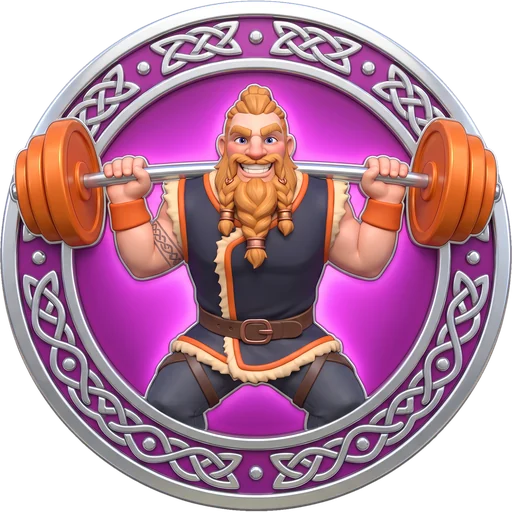
Meet your coach
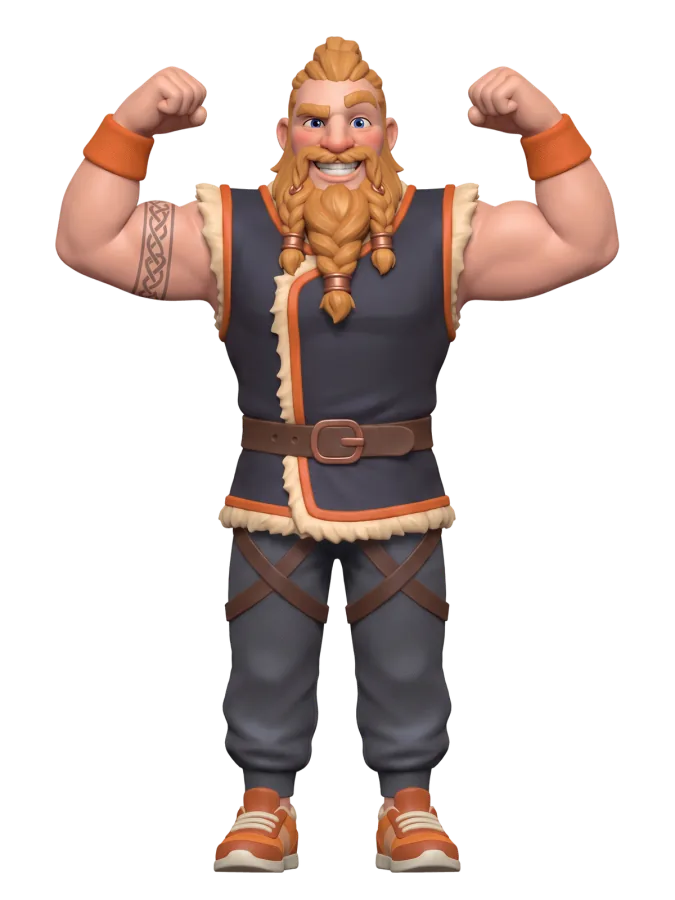
A Viking personal trainer who remembers every lift, celebrates every record and has never once accepted "I'll go tomorrow".
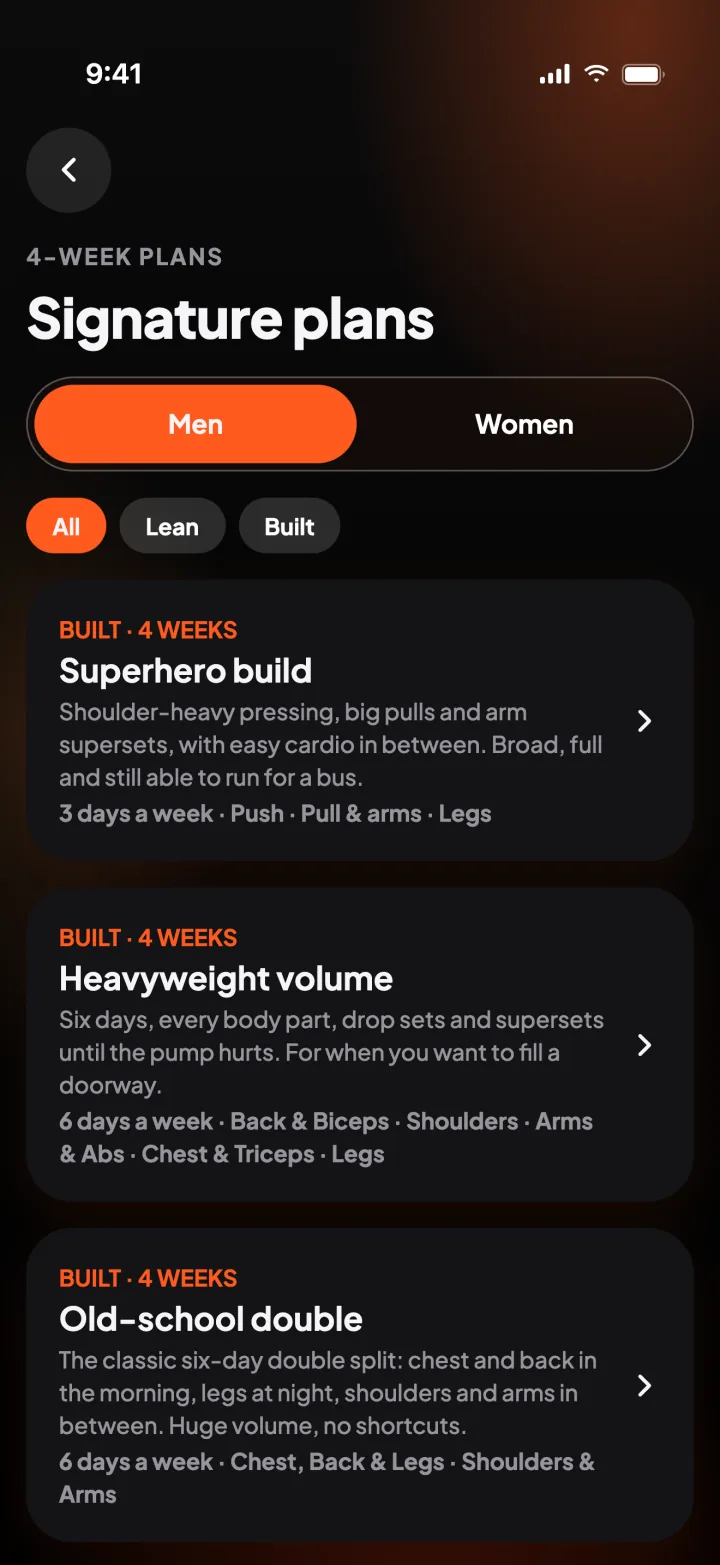
Signature plans
24 multi-week plans named by the look they build: Superhero build, Viking built, Shield maiden, Summer shred, Barbell athlete, Ballet sculpt and more. Gym weights, clear sets, cardio as rest-day notes.
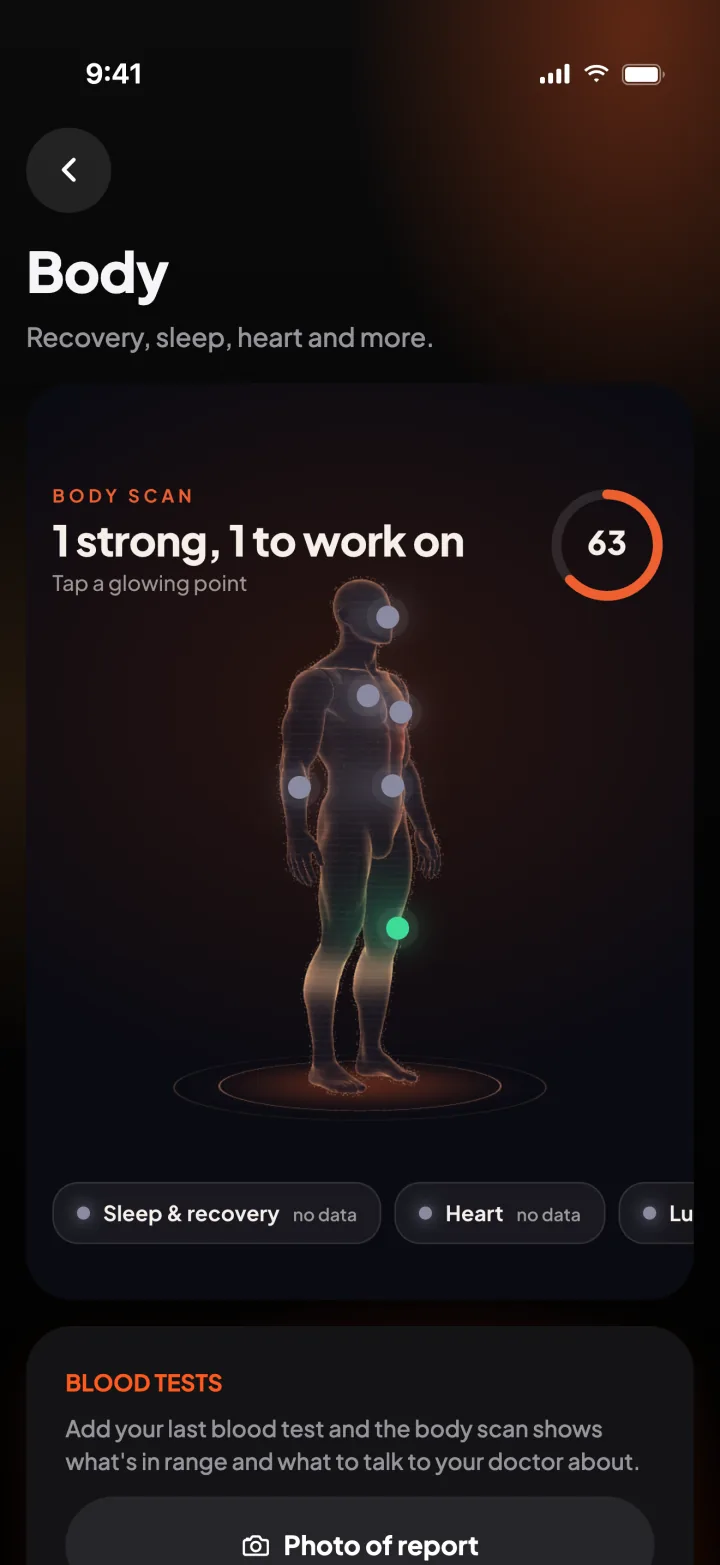
Your body
Connect Apple Health and Ulv shows how recovered each muscle is, with sleep and heart trends beside your workouts. Add a blood test report and keep your results over time, against the lab's own ranges. It all stays on your phone.
iPad
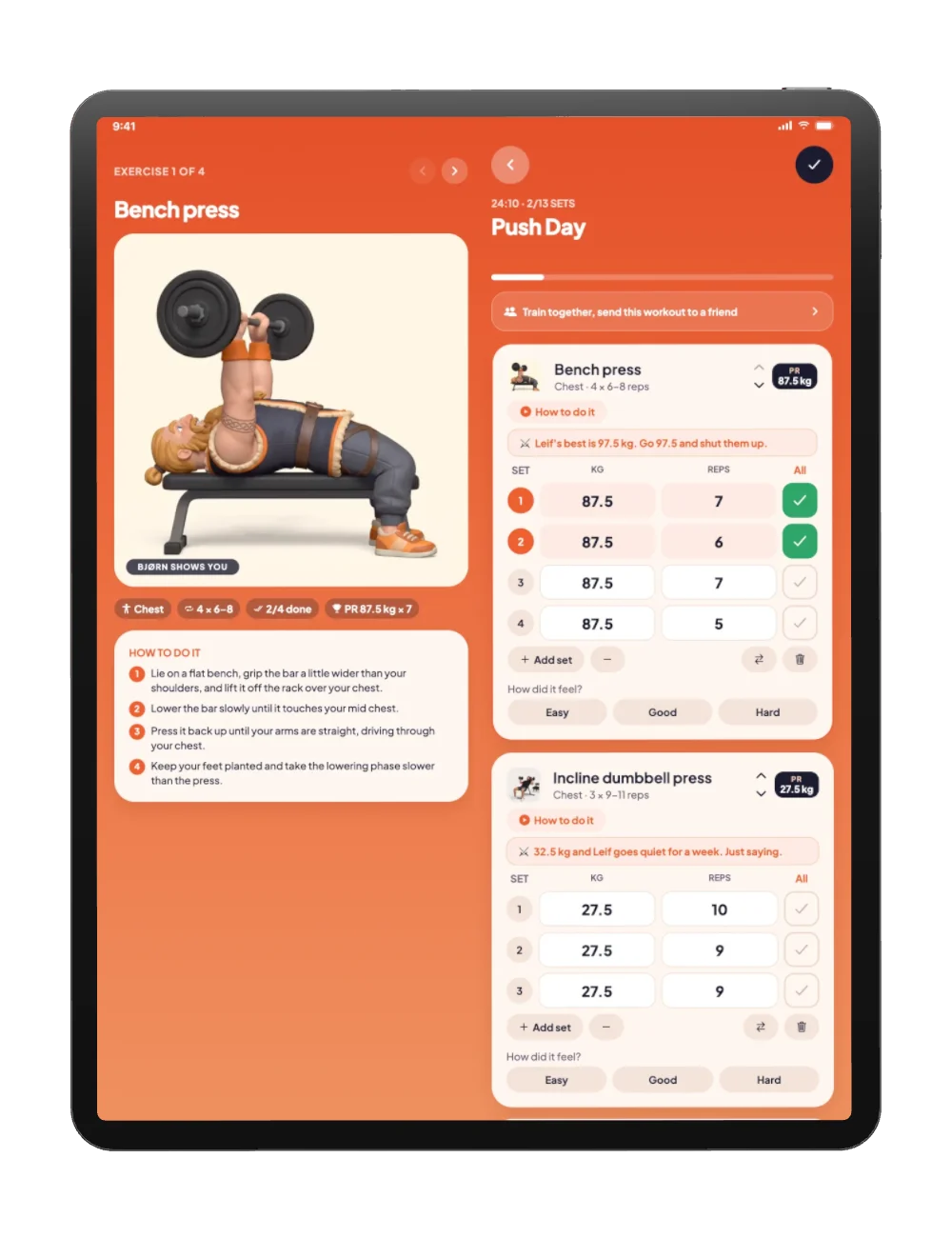
On iPad, the workout, the how-to and the plan sit side by side. Same account, same pack.
No ads, no trackers, no analytics, and nothing is ever sold. Apple Health data is read on your phone and never leaves it. Use Ulv without an account, or join and delete everything in two taps.
Read the privacy policyFAQ
Yes. Ulv is free, with no ads. If paid extras ever arrive, they'll be optional and the core log stays free.
No. Everything works without one, and your workouts stay on your phone. Join (with Apple, or a recovery code) to add friends, chat, climb the boards, back up your history and read blood test reports.
iPhone, iPad and Apple Watch. The watch app works on its own while your phone is in the bag, and saves workouts to Apple Health.
Kilos, everywhere. Every weight, plan and record in Ulv is metric.
No. Ulv shows your numbers and the lab's own reference ranges, but it doesn't diagnose anything and isn't a medical device. Talk to your doctor about your results.
Profile → Settings & account → Delete my account. It's removed from our server straight away, and from backups within 30 days.
Email hello@mpify.com. A real person answers, usually within a day. More help on the support page.

Free on the App Store for iPhone, iPad and Apple Watch.
Download on theApp StoreSkål!